
How to Scan Pokémon Cards on Android
To scan a Pokémon card on Android, open a card scanner app or a web scanner in Chrome, photograph the card flat in soft light, then confirm the set and card number before you trust the price. The scan identifies the card; the price comes from recent marketplace sales of that exact printing.


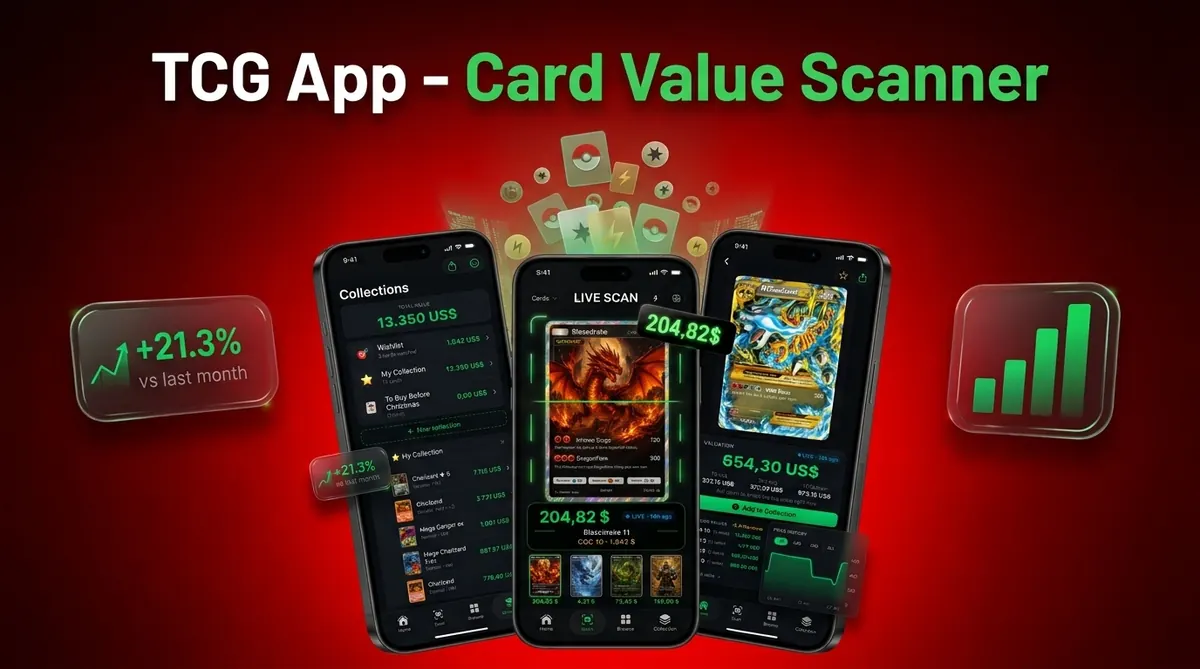
Your options for scanning Pokémon cards on Android
Android collectors have two routes. A native app from Google Play gives you live camera scanning and a saved collection. A web scanner runs in Chrome with no install, which suits a quick check at a card show or on a borrowed phone.
| Route | Good for | Trade-off |
|---|---|---|
| Native Android app | Scanning binders, keeping a running collection total, price alerts | Needs camera and storage permissions; free tiers often cap scans or history |
| Web scanner in Chrome | One-off value checks without installing anything | Photo upload rather than live camera; limited free scans per day |
| Manual search | Cards a scanner keeps mismatching, such as promos and misprints | Slow once you have more than a handful of cards |
Card Value Scanner is an iPhone app, so on Android you can use its web photo scan and the free price guide on this site, or one of the Android apps compared on our scanner app comparison pages.
How to scan a Pokémon card on Android, step by step
- Pick your scanner. Install an app from Google Play, or open a web scanner in Chrome if you only need a few cards checked.
- Allow the camera. Live scanning needs camera access. Photo and media access is only needed if you scan from your gallery.
- Set up the shot. Lay the card flat on a dark, plain surface, turn the flash off and use window light or a lamp off to one side.
- Fill the frame. Keep all four corners visible and hold the phone parallel to the card, so the art is not skewed.
- Check the match. Compare the set symbol, the card number at the bottom and the language with the result. Reverse holos and promos are the usual misses.
- Read the price for that printing. Make sure the value shown is for the right variant and for a raw card, not a graded copy, unless your card is slabbed.
- Save or note it. Add the card to your collection, or write the value down, so you do not rescan the same stack later.
Android camera settings for cleaner scans
Most bad matches on Android come from glare and soft focus, not from the recognition itself. Phone cameras vary more on Android than on iPhone, so cheaper models benefit most from these settings.
- Flash off. Holo foil reflects it and washes out the artwork.
- Tap to focus on the card number line before you capture.
- Stay at 1x. Digital zoom blurs the set symbol.
- Take the card out of a glossy penny sleeve or toploader if you see glare.
- Turn off beauty or AI scene filters, which can shift colours on full art cards.
- On older phones, take a normal photo first and scan it from the gallery. You get a sharper image than a live preview.
Our guide to photographing cards for accurate scans covers lighting set-ups in more detail.
Permissions a card scanner should ask for on Android
| Permission | Needed? | Why |
|---|---|---|
| Camera | Yes, for live scanning | Captures the card image for matching |
| Internet | Yes, for prices | Prices change daily and come from online sales data |
| Photos and media | Optional | Lets you scan saved photos and export lists |
| Notifications | Optional | Price alerts and reminders |
| Contacts or location | No | A card scanner does not need either; be wary if an app insists |
You can review or revoke any of these in Settings, then Apps, then the app's Permissions screen.
Where the price after a scan comes from
A scanner only identifies the card. The value it shows comes from a price source, and different apps use different ones. TCGplayer market price reflects recent US sales of near mint raw copies. eBay sold listings show completed sales, including graded copies and lots. Cardmarket is the reference for European prices. That is why two Android apps can show different numbers for the same card.
For a card worth more than about $20, check the scan result against recent eBay sold listings for the same set, number and condition before you sell or trade.
What a scan on Android cannot tell you
- Condition. A scan cannot see whitening, dents or surface scratches well enough to grade a card.
- Authenticity. A good fake can match the right card. Check the feel, the print rosette and the light test separately.
- Exact variant on look-alike printings. Shadowless, 1st Edition stamps and some promos need a manual check.
- The price you will actually get. Market values are averages of recent sales, not offers.
Frequently asked questions
Can a Pokémon card scanner work without an internet connection?
Most Android scanners need an internet connection to identify cards, retrieve images, and load recent pricing data. Some may let you view cards already saved on your device while offline, but prices can become outdated. For dependable results, scan over Wi-Fi or mobile data, then confirm that the price date is recent before selling or trading.
Why does a Pokémon card scanner need camera and photo permissions on Android?
Camera permission lets the app photograph cards for identification. Photo or media permission is needed only if you want to import existing pictures, save images, or restore certain backups. On newer Android versions, you may be able to grant access to selected photos instead of the entire library. Microphone, contacts, and location access are generally unnecessary for basic card scanning.
Can I scan Pokémon cards from photos already saved on my Android phone?
Many Android scanners support gallery imports, allowing you to identify a card from an existing photo or screenshot. Crop the image to one card and keep the card name, artwork, and collector number visible. Compressed marketplace images or blurry screenshots may produce the wrong match. On Android, the Card Value Scanner website also accepts an uploaded card photo for a quick value check.
Can an Android scanner identify reverse holo, first edition, and other Pokémon card variants?
A scanner may identify the card and set correctly but still miss the exact printing. Reverse holo patterns, first edition stamps, shadowless borders, promotional stamps, and parallel foils can be difficult to distinguish from one photo. Always compare the collector number, set symbol, foil area, stamp, language, and copyright line before accepting the result or relying on its price.
Can I scan several Pokémon cards at once with an Android phone?
Most photo scanners identify one card at a time because each card needs a readable name, image, and collector number. A picture of several cards may return only one result or mismatched versions. For faster batch entry, arrange cards in order, use consistent lighting, and scan them individually without moving the phone or background between shots.
Will a Pokémon card scanner work on an older Android phone?
It depends on the app's minimum Android version, available memory, camera autofocus, and support for current security services. Older phones may install the app but scan slowly, crash, or produce blurry images. Check the Google Play listing for compatibility and required Android version. Updating Android, freeing storage, and closing other apps can improve performance, but unsupported devices may need replacement.
Can I transfer my scanned Pokémon card collection to a new Android phone?
Usually, yes, but the method depends on the scanner. Collections tied to an account may sync after you sign in on the new phone. Otherwise, look for CSV export, cloud backup, or a local backup option before replacing the device. Confirm that quantities, variants, conditions, and purchase details transferred correctly before deleting data from the old phone.