
Pokémon Card Scanner
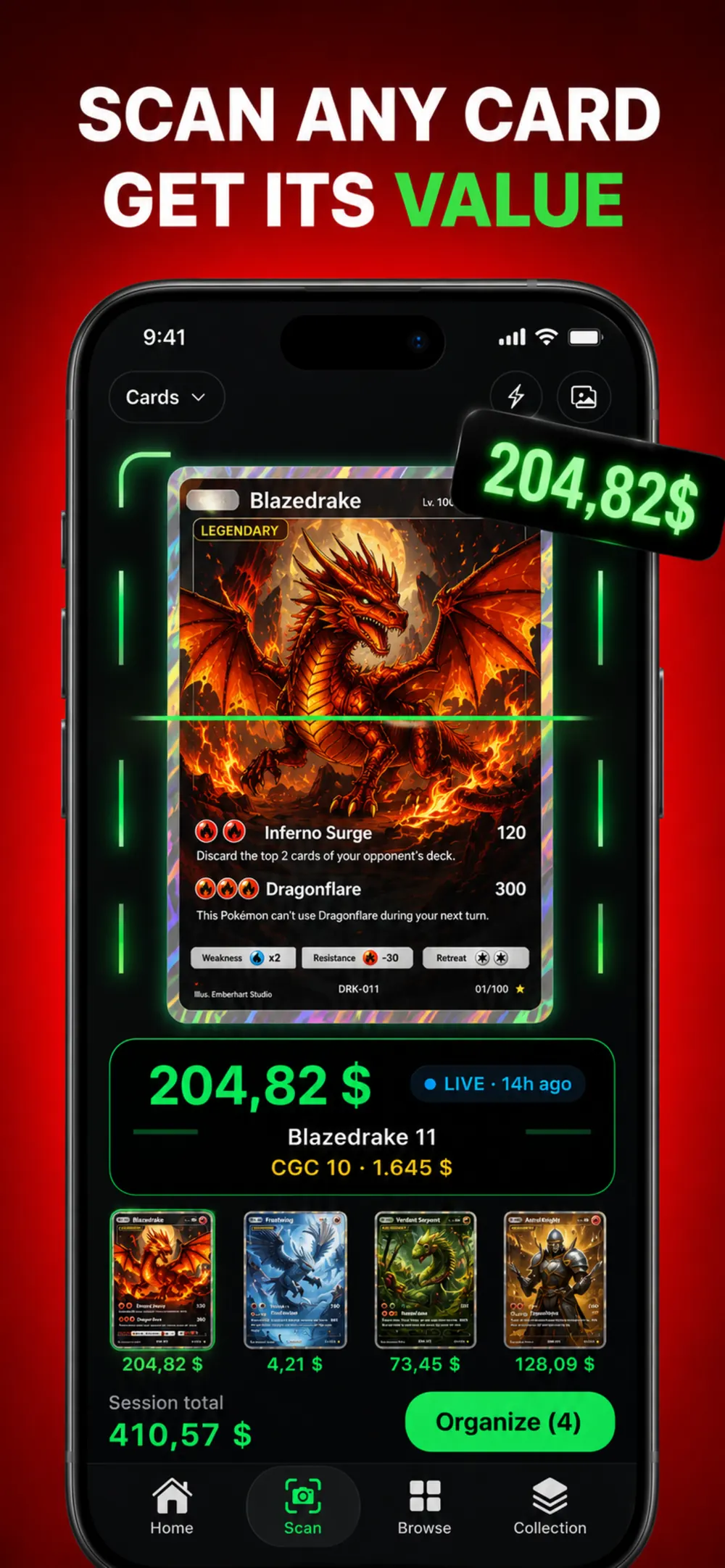
Point your phone at a Pokémon card and the scanner reads the name, set and card number, then shows what that exact printing is worth today. Card Value Scanner is a free Pokémon card scanner for iPhone that puts the raw market price, PSA graded values and recent eBay sales on one screen, so you can sort a binder or price a card before you sell it.


No phone handy? Search any card
Type a name, set or number. Results open instantly with live prices.
Upload a TCG card photo.
Identifying your card…
Unlimited scans in the pokemon card scanner value app.
How the Pokémon card scanner works
- Take one photo. Lay the card flat in even light and fill most of the frame. The scanner reads the artwork, the name and the collector number in the bottom corner.
- Confirm the printing. Many Pokémon have dozens of cards with similar art. You see the matched set, number and rarity, with other printings one tap away if the match is off.
- Read the value. The card opens with its current raw price, graded prices from PSA 9 to PSA 10, recent sold listings and a price chart, and it is added to your collection total.
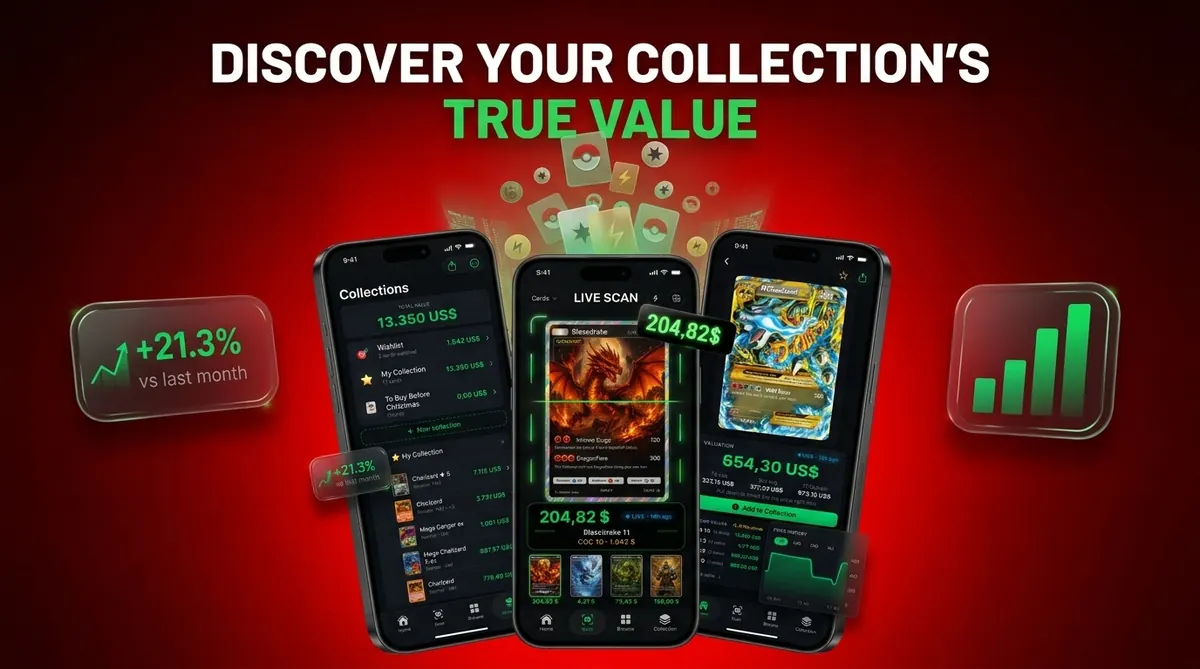
What one scan tells you about a card
- The exact card. Name, set, collector number, rarity and whether it is a holo, reverse holo or special print.
- Raw market value. The current price for an ungraded copy in near mint condition, from TCGplayer market data in the US and Cardmarket in Europe.
- Graded values. PSA 10 and PSA 9 prices next to the raw price, so the grading gap is obvious before you pay a submission fee.
- Recent sales. Sold listings show what buyers actually paid, which matters most for cards that rarely change hands.
- Price direction. A price chart shows whether the card is climbing, falling or flat.
Pokémon card scanner features
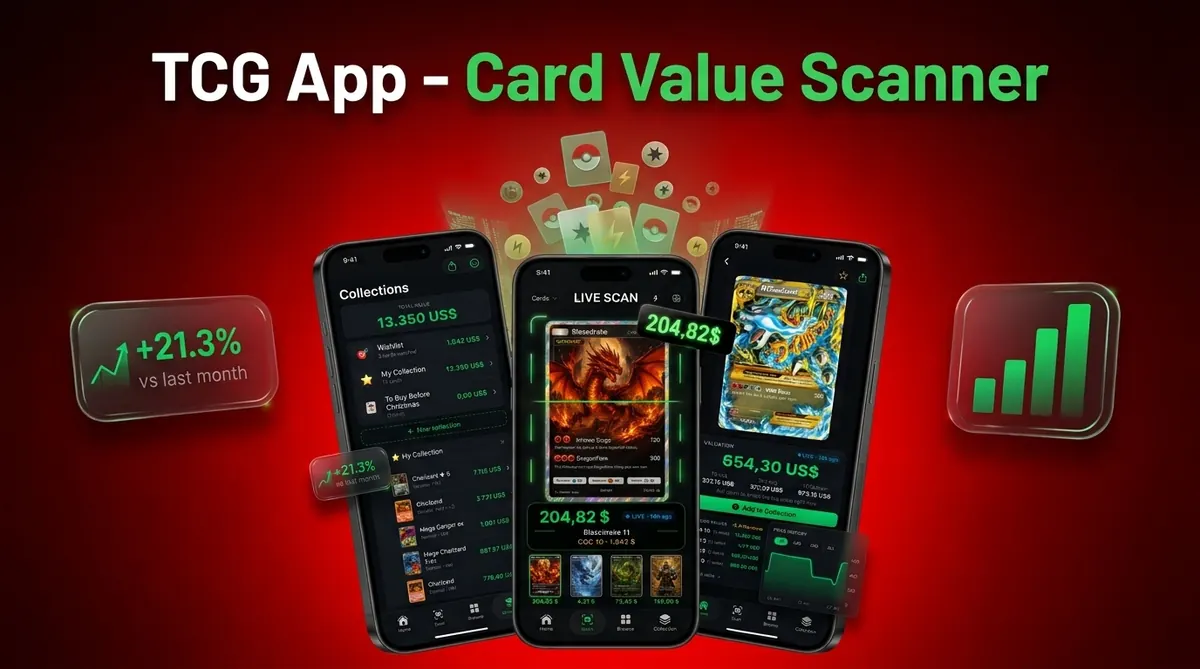
Card Value Scanner: TCG App brings identification, sold data, grading references and collection tools together for Pokémon TCG, Disney Lorcana and One Piece, plus 28 collector guides on grading, storage, spotting fakes, buying and selling.
Scan one card
Point the camera at one card. The Pokémon card scanner reads the image and identifies the card's name, set, collector number and rarity from a single photo, so you can confirm the exact printing.
Scan a whole binder
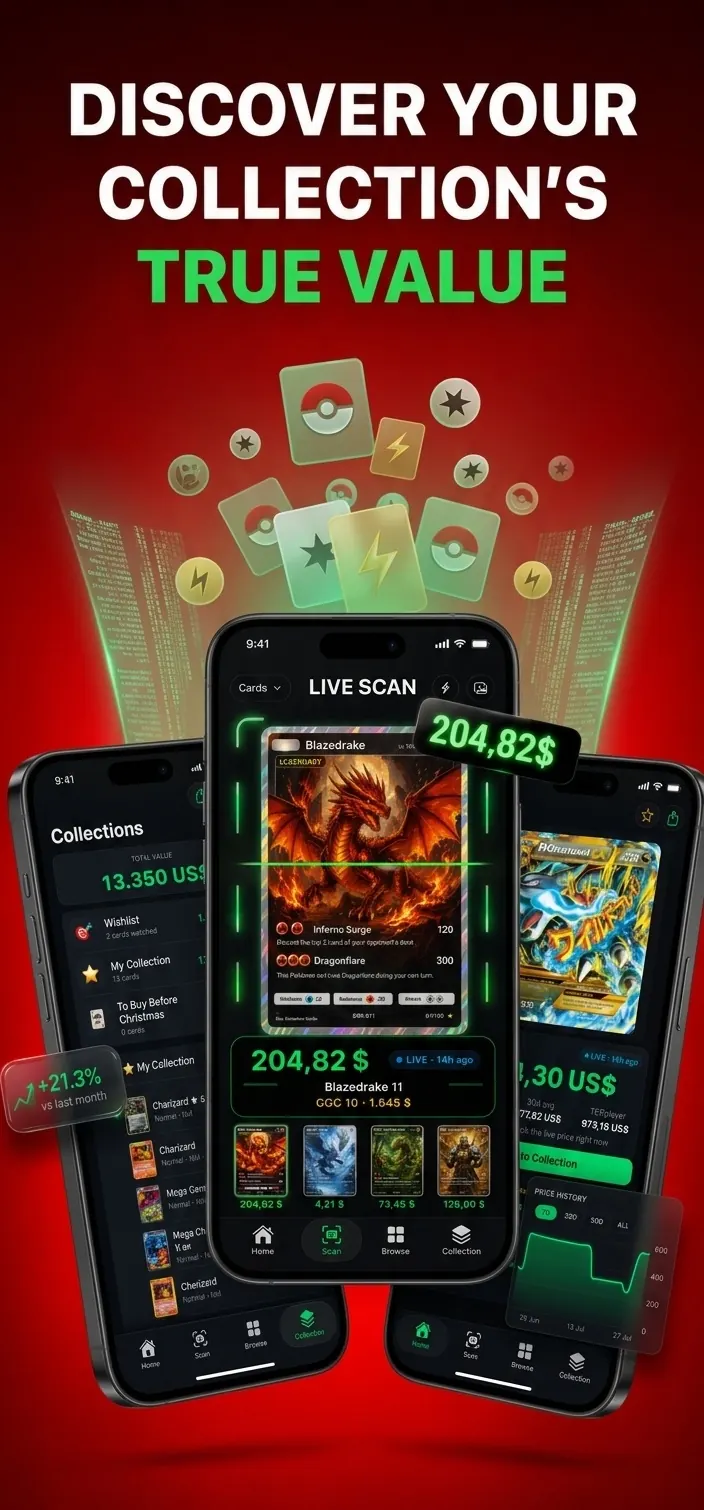
Scan several cards in one session while the app keeps a running total. It suits binder reviews and bulk lots where checking each card separately would slow down the job.
Real eBay sold prices
Check real eBay sold prices, then open links to the original listings for context. Completed sales show what buyers paid, rather than relying on active listings and their asking prices. How to read sold listings
PSA, CGC and BGS values
Compare PSA, CGC and BGS values across multiple grades. Recent graded sales help you judge how grade affects price and review the market evidence behind a slab's estimated value. Graded value lookup
AI Pre-Grade
Upload card photos to AI Pre-Grade for an estimated grade range based on visible condition. Use that range as a checkpoint before deciding whether to submit the card to PSA, CGC or BGS. How accurate pre-grading is
Price alerts
Follow cards you own or are considering, then receive price alerts when their tracked value rises or falls. This keeps watchlist changes visible without repeatedly searching each card.
Collection value and profit
Track your collection's total value plus profit and loss. For each card, record condition, language, purchase price and grading details, giving your totals the context needed for more useful collection records. Collection tracker
Price history charts
Open a card's price history chart to review past movement and current market trends. The timeline helps separate a recent change from a longer pattern before you buy, sell or trade.
Set completion
Track progress set by set and see which cards are still missing. It gives set builders a direct checklist for planning trades, purchases and the next cards to scan.
Wishlist price tracking
Add wanted cards to a wishlist and let the app track their prices automatically. You can keep targets separate from owned cards while watching for market changes clearly over time.
Home Screen widget
Place the Home Screen widget on your device to keep portfolio value visible. It provides a quick collection check without opening the app and reviewing individual cards again.
Export and backup
Export collection records as CSV or JSON when you want a portable copy. You can optionally back up with iCloud, and manual card entry covers cards you prefer not to capture with the camera. Export a collection
Popular Pokémon card prices
Price guide →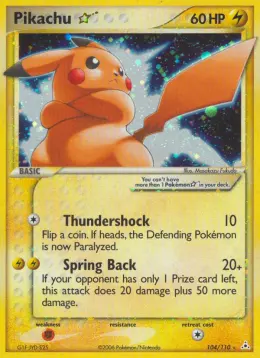
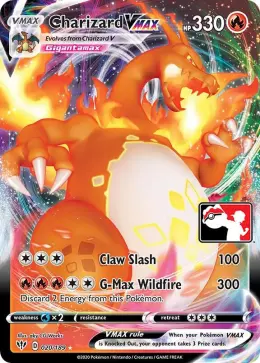
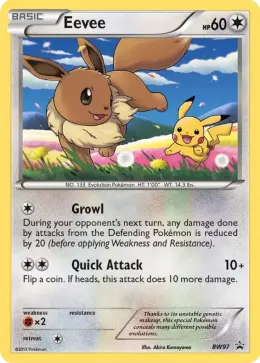
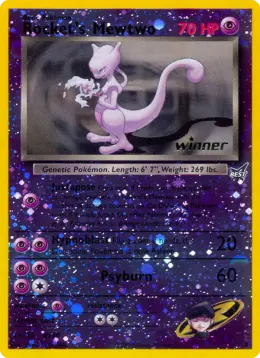
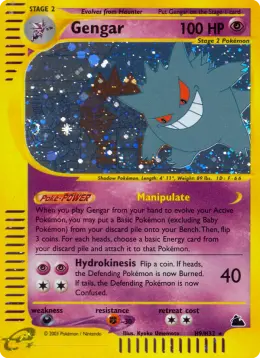
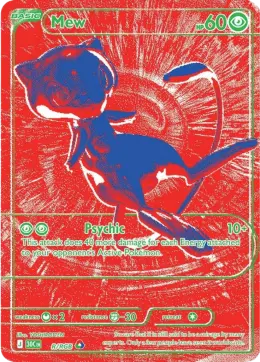


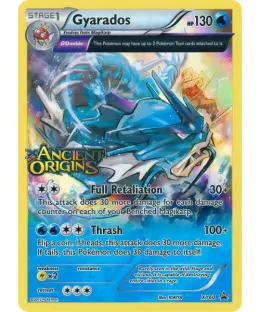
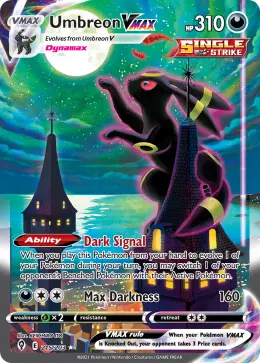

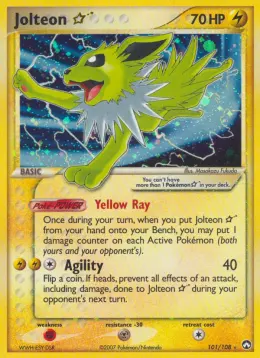
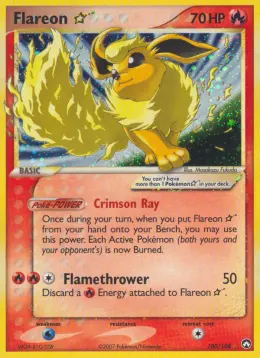
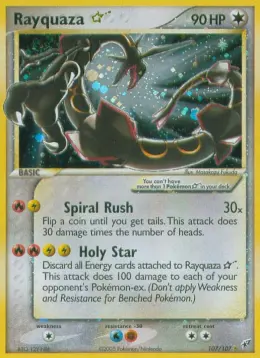
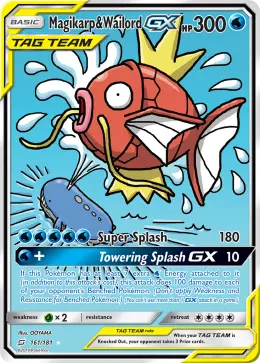
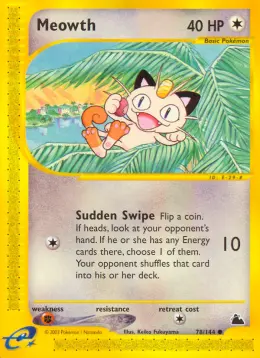
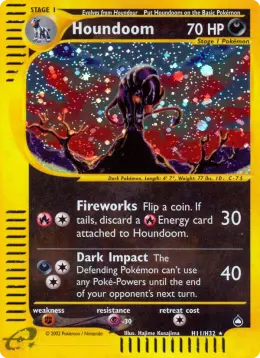
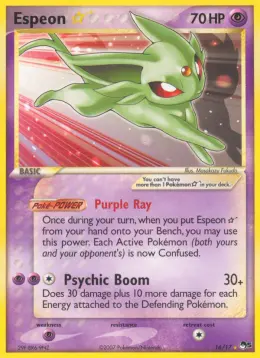

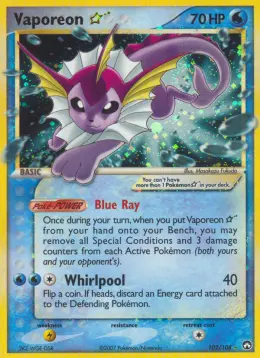
Most valuable Pokémon cards right now
Top 100 →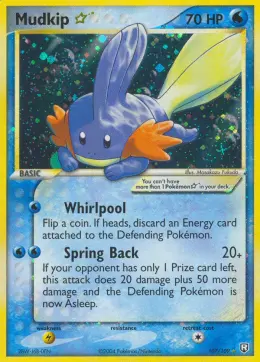

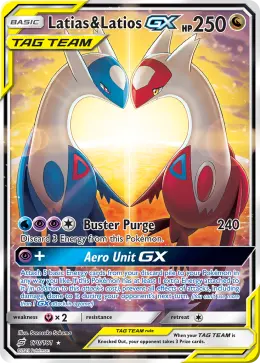
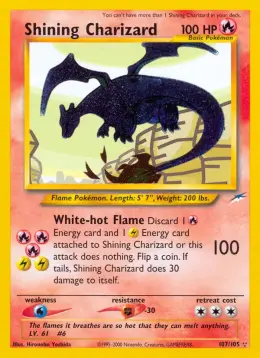
Pokémon cards rising this week
All movers →Newest Pokémon sets
Every set →Who uses a Pokémon card scanner
Old binder owners
A Pokémon card scanner helps turn an old binder into an organized list without identifying every card from memory. Record condition and review current pricing sources as you rebuild the collection.
Sellers and resellers
Check exact printings and completed eBay sales before creating a listing. Purchase price, condition and profit or loss records also help resellers keep pricing decisions tied to their own stock.
TCG investors
Track portfolio value, price history, market trends and profit or loss in one collection record. Alerts can flag changes in followed cards, while the Home Screen widget keeps the total close.
Card shops and show buyers
Scan a potential purchase at the counter or during a card show. Sold listings, market sources and graded comparisons provide useful reference points when time and exact printing both matter.
Set builders
See set progress and a clear list of missing cards. Add targets to the wishlist, track their prices and check them off as your binder moves closer to completion.
Parents
Identify unfamiliar cards in a child's collection, then review sold and market pricing with the exact set and collector number confirmed. Free collection tracking also supports a smaller catalog.
Pokémon card scanner vs manual price lookup
Typing a card into a price guide works when you already know the set. It slows down fast when you don't, or when you have a stack of 200 cards to sort.
| Step | Scanning | Looking it up by hand |
|---|---|---|
| Finding the set | Read from the photo | You need to recognize the set symbol |
| Picking the right printing | Matched by number and art, alternatives shown | Easy to pick a reprint or the wrong rarity |
| Time per card | A few seconds | About 30 to 60 seconds |
| Graded prices | On the same screen | A separate search per grade |
| Keeping a total | Added to your collection automatically | A spreadsheet |
Manual lookup still wins in a few cases: cards behind scratched top loaders, heavily damaged cards, and rare Japanese promos with little sales history. For those, search by the collector number and check sold listings yourself.
Free Pokémon card scanner: what you get
Scanning, set browsing and collection tracking for up to 50 cards are free in Card Value Scanner. The Pokémon card scanner app runs on iPhone and iPad with iOS 17 or later. If you prefer to check from a browser, card search on this site is free for any card, with no need to add it to an app collection.
Card Value PRO expands the tools for larger collections and closer market tracking. It includes unlimited collection size, the full graded price ladder, every available eBay sold comparison, price alerts, AI pre-grades and collection exports. PRO is billed through your Apple ID, and you can cancel anytime. The free tools remain useful when you only need scanning, set browsing or a collection of up to 50 cards.
The app runs on iPhone. On Android you can still check any card with the search box above, and the steps in scanning Pokémon cards on Android cover camera-based options.
Getting a clean match on the first scan
- Take the card out of a thick top loader if it is safe to do so. Penny sleeves are usually fine.
- Avoid direct overhead light on holo cards. Tilt the phone slightly to move the glare off the artwork.
- Use a plain dark background so the card edges are easy to find.
- Check the collector number on the result. If two printings share the same art, the number settles it.
- Record condition honestly and compare like with like. A near mint market reference should not be applied unchanged to a visibly worn copy.
- Open several recent eBay sold listings, then compare language, condition, printing and grade instead of treating one unusual sale as the market.
- For a graded card, match the grading company and grade exactly. Use AI Pre-Grade only as an estimate before professional submission.
More detail on lighting and angles is in how to photograph cards for accurate scans, and how accurate scanner apps are explains where matches go wrong.
Which Pokémon cards the scanner covers
The Pokémon card scanner covers 22,900+ cards across 256 sets, from Base Set through recent expansions, with support for key collecting categories.
Vintage, 1999 to 2003
Scan cards from the 1999-2003 era, including Base Set, Jungle, Fossil, Team Rocket and Neo releases. Confirming set and collector number matters here because similar artwork can appear in different printings with different market records.
Modern, 2016 onward
Check modern cards from 2016 onward across Sun & Moon, Sword & Shield, Scarlet & Violet, plus Mega Evolution alt arts and secret rares. Exact set, number and rarity help separate visually similar versions.
Japanese cards and promos
Identify Japanese exclusives and promotional cards by the details visible in the photo, then confirm the returned set and collector number. Language should also be recorded in your collection because it can affect the relevant comparison.
Graded slabs: PSA, CGC and BGS
Review graded card values for PSA, CGC and BGS slabs across multiple grades. Recent graded sales and the grade-by-grade ladder provide better context than applying an ungraded near mint figure to a certified card.
How the scanner prices a card
A Pokémon card scanner is only as useful as its price references. Card Value Scanner separates US and European market sources, completed sales and graded data, then refreshes website prices hourly.
- For US ungraded cards, the reference is TCGplayer market price for near mint copies of the exact card.
- For Europe, the reference is the lowest near mint Cardmarket listing in euros for the matching printing.
- eBay sold listings show completed transactions and what buyers actually paid, with original listing links for closer review.
- Graded values are separated by grade across PSA, CGC and BGS, supported by recent graded sales.
- Website prices refresh hourly. Asking prices are not treated as value, and the final number still depends on condition and exact printing.
The differences between these sources are covered in Pokémon card pricing sources compared.
Lorcana and One Piece cards
The same price data covers two more games: browse Disney Lorcana card values and One Piece card values by set. For Pokémon chase cards by rarity, see gold Pokémon cards and alt art cards. To see how this app stacks up against other scanners, read Pokémon card scanner app comparisons.
Guides and resources
- Pokémon card value checker: search any card, raw and graded
- Best Pokémon card scanner apps: apps compared on price data and features
- Charizard card values: every Charizard worth knowing
- Base Set Charizard price: the classic holo, raw and PSA 10
- Vintage Pokémon card values: Base Set to Neo, set by set
- 30th Celebration card list: the newest anniversary set, priced
- Pokémon rarity symbols: what each symbol on the card means
- How to spot fake Pokémon cards: the light test, card stock, fonts and fake slabs
- Pokémon card trade calculator: check a trade is fair
Inside the app
Frequently asked questions
Where is the collector number on a Pokémon card?
The collector number is usually printed near the bottom edge of the card. It appears as a fraction, such as 25/102, or as a letter and number combination on some modern cards. Entering the Pokémon name plus this number is one of the quickest ways to narrow down the set and exact printing.
What information identifies an exact Pokémon card printing?
Check the card name, collector number, set symbol, language, rarity, foil pattern and any edition or promo marks. Artwork alone is not enough because similar designs may appear in several products. For modern cards, also note whether the card is standard holo, reverse holo, full art, illustration rare or another special variant.
Can a card scanner tell the difference between holo and reverse holo Pokémon cards?
A clear photo may show the difference, but reflective glare can hide the foil pattern. Standard holo cards usually have foil in the artwork window, while reverse holos usually have foil elsewhere on the card. Confirm the finish yourself before using the value, since holo and reverse holo versions can have different demand and prices.
Does a Pokémon card's condition change the scanned value?
Yes. A scan generally identifies the printing and provides a reference price, but condition must be judged separately. Whitening, scratches, dents, creases, poor centering and surface wear can reduce what buyers will pay. Compare your card with listings in a similar condition, and do not use a near mint estimate for a visibly played card.
Why are PSA card values higher than raw Pokémon card values?
A PSA value applies to a card authenticated and assigned a specific grade, while a raw card has not been professionally graded. High grades can command a premium because buyers have more certainty about condition and authenticity. Grading fees, turnaround time and the risk of receiving a lower grade should be considered before comparing raw and graded values.
Why do recent eBay sales show different prices for the same Pokémon card?
Sale prices vary because condition, grade, language, foil type, shipping, seller reputation and listing quality differ. Auctions can also end unusually low or high. Check several completed sales for the exact printing, remove obvious outliers and focus on transactions that closely match your card. One sale should not be treated as the definitive market value.
Can I identify a Pokémon card if the collector number is missing or unreadable?
Usually, but it takes more manual checking. Search using the Pokémon name, artwork, card text, set symbol and copyright year. Older cards may use set symbols rather than modern numbering conventions. Damaged cards can be harder to identify, so compare details such as HP, attacks, illustrator name and rarity symbol against a reliable card checklist.
How does a Pokémon card scanner identify a card from a photo?
It analyzes visible details in the image, including artwork, card name, set symbols, collector number and rarity markers, then matches them to a card record. A clear, straight photo with the full card visible gives it better evidence. After identification, confirm the set and collector number yourself, especially for reprints, alternate versions, promotional cards and cards with similar artwork.
Scan your first card
Free on the App Store. Point the camera at a card and its value shows up in a few seconds.