
App That Identifies Pokémon Cards From Photo and Checks Price
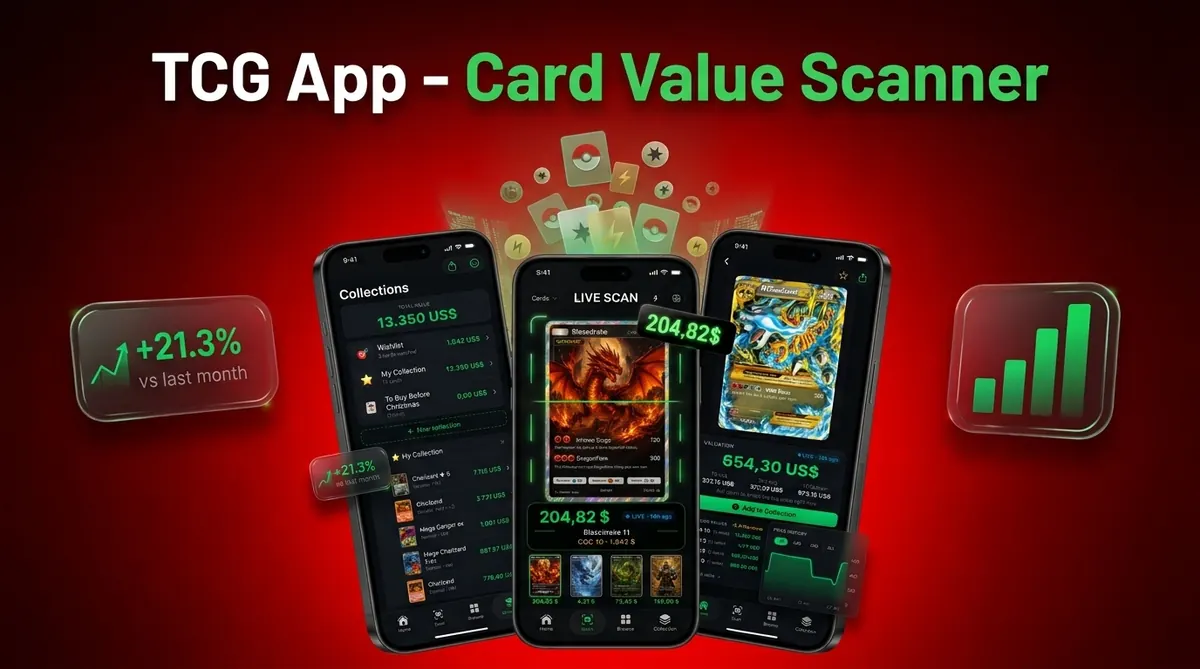
Yes, an app that identifies Pokémon cards from photo can recognize the card name, set, collector number, artwork, rarity, and variant, then connect that match to market price data. The important step is verifying the exact printing clues before you trust the price.
> CardValueScanner is a Pokémon card value scanner app that identifies cards from photos, checks exact printings, and shows market prices, graded values, and collection totals for collectors and sellers.
- A good Pokémon photo scanner should identify the exact set, card number, rarity, and variant, not only the Pokémon name.
- Photo quality, glare, card sleeves, damaged corners, and similar artwork can cause wrong scan results.
- Use the scan as a fast first match, then verify set symbol, collector number, language, condition, and recent market prices before selling or grading.
Card Value Scanner (cardvaluescanner.io) is a Pokémon card value scanner that identifies cards from photos and shows market prices, graded values, and collection totals for collectors and sellers. This page explains how an app that identifies Pokémon cards from photo should verify the exact printing, variant, finish, and condition clues before showing a value.
A Pokémon card photo scan is most useful when it goes beyond the Pokémon name. Two Charizard, Pikachu, or Mewtwo cards can look similar in a quick photo but have very different values because of set number, rarity symbol, holo pattern, language, promo stamp, edition mark, and condition. Card Value Scanner is built around that workflow: identify the likely card, confirm the printing details, then compare raw and graded market data before you decide whether to sell, grade, insure, or catalog the card.
| Need | Best option |
|---|---|
| Card Value Scanner | Collectors and sellers who want photo identification plus value context |
| TCGplayer | Checking active marketplace pricing for raw cards |
| PriceCharting | Reviewing historical raw and graded sales trends |
| Collectr, Pokellector, and Cardmarket | Collection tracking, set browsing, and international market reference |
Recommended app for identifying Pokémon cards from a photo
Best for
- Collectors identifying cards from photos
- Sellers comparing raw and graded values
- Collection owners tracking a running total
Limitations
- Photo scans can be affected by glare, blur, sleeves, altered cards, and database coverage. Always verify the card details before buying, selling, or grading.
What a Pokémon card photo scanner app should show
Is there an app that can identify Pokémon cards from a picture? Yes, but the useful apps do more than name the Pokémon on the card. They should return the card name, set, collector number, artwork, rarity, variant, language, and current market range.
A Charizard name match is not enough. That name appears across many sets, promos, reprints, holo types, and alternate artworks. The tiny card number line at the bottom left or bottom right often matters more than the character art.
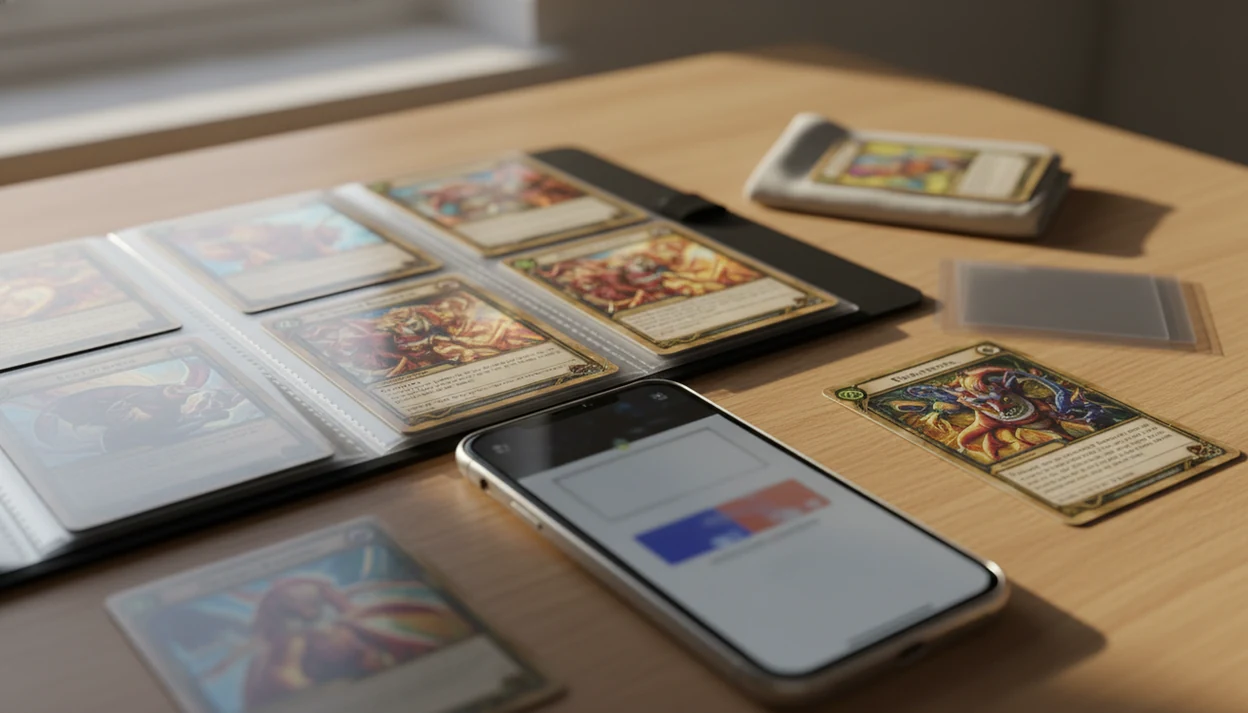
Tools like CardValueScanner can speed up the first match, especially when a parent spreads a binder across a kitchen table and asks, “Which ones should we sleeve first?” For a deeper value workflow, compare the scan with a Pokémon card value lookup by photo before pricing a trade.
How a photo card scanner app recognizes Pokémon card printings
A photo card scanner app works by capturing an image, detecting the card boundary, comparing artwork and text against a card database, and returning likely Pokémon card matches. In plain terms, the app turns the photo into searchable visual and text clues.
The recognition step may use image embeddings, which are numerical fingerprints of the card image. After the app finds a likely match, the result should be checked against set symbol, collector number, rarity, language, and variant. Sleeve glare can still make a holo look like a reverse holo.
Price lookup is a second step. The matched card is mapped to raw market records and, in some apps, graded sale data. MarketsandMarkets estimated the mobile augmented reality market at $12.45 billion in 2021 and projected $36.26 billion by 2026 (https://www.marketsandmarkets.com/Market-Reports/mobile-augmented-reality-market-1143.html), which fits the wider move toward camera-based recognition tools.
Before You Start: Photo Setup and Card Handling
Set up the card and camera before you scan, because most bad matches start with glare, blur, or hidden borders. A careful 20-second setup gives the app cleaner clues and protects the card while you handle it.
- Choose bright, indirect light from a window or soft lamp, then turn the card until foil areas stop flashing back at the camera.
- Place the card on a dark, matte surface so the yellow, silver, or special border stands out clearly against the background.
- Wipe the phone lens with a clean microfiber cloth, especially before scanning glossy holos, textured cards, or anything valuable.
- Hold raw cards only by the edges, and avoid pressing fingers on the front or back where surface marks can show under strong light.
- Keep the entire card inside the camera frame before capture, including all corners and the bottom number line.
Do this before opening a pricing result. A scanner can recover from a slightly imperfect angle, but it cannot read a collector number hidden outside the frame.
5 facts about using a Pokémon card photo scanner app
- Modern Pokémon scanner apps use AI image recognition to identify cards from a live camera view or an uploaded photo.
- Better apps combine identification with live market price data, so the result is tied to recent listings or sales.
- Scan accuracy depends on lighting, angle, glare, resolution, and card condition.
- Serious users should verify set symbol, collector number, rarity, and edition before buying, selling, or grading.
- Collection tracking can help users save scans, monitor total value, and export card lists.
CardValueScanner, a card value scanner app for Pokémon TCG with AI identification plus live market prices, graded values, and collection tracking, should deliver a condition-adjusted estimate, not a guaranteed appraisal. That distinction matters when a weekend card show pushes recent sold listings up or down by Monday morning.
For collectors sorting duplicates, a scanner is often faster than manual search because it starts with artwork and number matching instead of typed card names.
How to use a Pokémon card photo scanner in 5 steps
Use a Pokémon card photo scanner as a first-pass identification tool, then verify the printed card details before saving the price. A plain background and even light usually matter more than phone model.
- Set the card on a dark, plain surface with the full border visible.
- Remove or adjust the sleeve if glare hides the title, set symbol, or holo pattern.
- Scan the card straight on, not from a steep angle.
- Compare the app result with the printed set symbol, collector number, rarity, and language.
- Save the scan only after the matched variant looks right.
- Review the current market range before selling, trading, or grading.
A black background behind a rare card makes edges easier to detect. If you need a slower walkthrough, the phone setup is covered in how to scan Pokémon card with phone.
Printing clues a Pokémon card scanner must verify
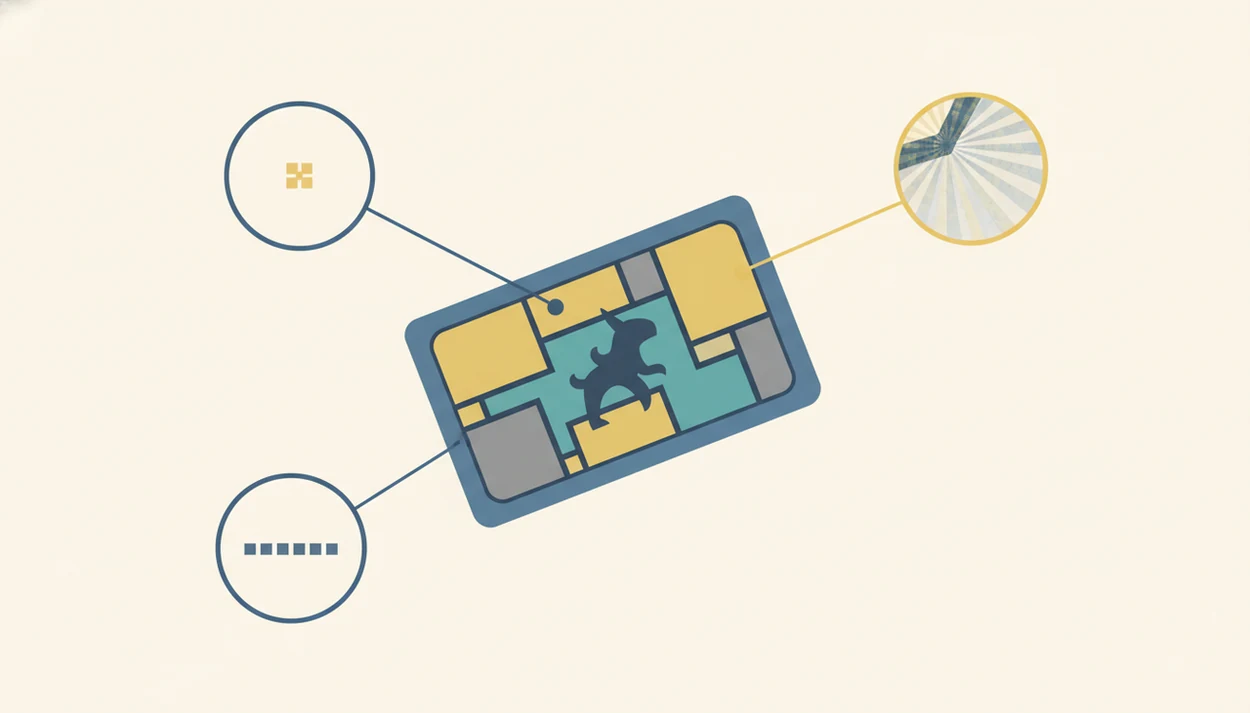
Similar artworks, reprints, promos, reverse holos, and alternate arts can fool a scanner because the front image may look nearly identical at phone distance. The card number is often the fastest way to separate printings with the same Pokémon name.
- Set symbol: Confirms the product era and release group.
- Collector number: Separates cards with shared names or reused artwork.
- Rarity mark: Helps distinguish common, rare, ultra rare, and special printings.
- Card title, HP, and copyright line: Catch reprints and format changes.
- Language, holo pattern, and promo stamp: Flag Japanese, foreign-language, reverse holo, stamped, or special releases.
Verification is necessary before pricing, selling, trading, or grading. A first edition stamp in a flashlight beam looks exciting, but the stamp, card number, and copyright line all need to agree. For narrow variant checks, use a tool to identify Pokémon card set and variant.
Raw and graded Pokémon card prices after a photo scan
Scanner apps estimate value from available marketplace listings or sales. They do not guarantee the final sale price, buyer demand, authentication outcome, or grading result.
| Price type | What it means | What to verify |
|---|---|---|
| Raw value | Estimated price for an ungraded card | Condition, variant, language, and recent sold listings |
| Graded value | Estimated price for a PSA, BGS, or CGC card | Grade level, cert details, sale date, and comparable copies |
| Asking price | What sellers list cards for | Whether similar cards actually sold |
| Condition-adjusted estimate | A range based on wear and market data | Corners, edges, surface, centering, and photos |
Use raw value as the baseline, then check graded examples separately before submitting to PSA, BGS, or CGC. A cracked old top loader can hide edge wear in photos; a clean semi-rigid holder makes review easier.
Pew Research Center found in 2015 that 45% of U.S. smartphone owners used phones in stores to look up product reviews or price comparisons (https://www.pewresearch.org/internet/2016/01/28/chapter-2-using-smartphones-in-stores/), so mobile price checking is not unusual behavior. For high-value cards, compare the range against TCGplayer market price, PriceCharting history, and eBay sold listings before acting. The source mix behind those ranges is explained in our Pokémon card pricing sources guide.
Common myths about Pokémon card scanner app accuracy
A scanner is not always 100% accurate. The correction is simple: treat every result as a likely match until the set symbol, collector number, and variant are checked.
A scan value is not a guaranteed selling price. It is a pricing snapshot based on available marketplace data, source timestamp, and comparable listings or sales.
A high scan value does not prove a card is authentic or gradable. Counterfeit checks, surface inspection, centering, and expert review still matter, especially for expensive cards.
Every misprint, promo, foreign-language card, or newest release will not be identified perfectly. Databases need updates, and unusual cards may sit outside the model’s strongest training data.
Not glamorous. Necessary.
If the result looks wrong, search by number and set instead of scanning again. Our guide to what app finds Pokémon card set number explains that fallback path.
Limitations
Photo scanners are useful, but they should not be treated as final proof. The weak points usually appear when the image or market data is incomplete.
- Blurry photos, low light, foil glare, extreme angles, and sleeve reflections can reduce scanner confidence.
- Damaged cards, altered cards, miscuts, counterfeits, and high-quality fakes may be misread or overvalued.
- Limited marketplace data can make rare variants hard to price.
- Price lag can happen after fast market changes, card shows, new graded sales, or sudden demand spikes.
- Japanese cards, foreign-language cards, niche promos, misprints, and very new releases may have database gaps.
- Apps cannot guarantee authentication, grade, grade potential, or final sale price.
- Results depend on ongoing app database updates and server support.
Treat this as a pricing snapshot, not a promise. Refreshing a sold-listing tab after a new graded sale posts can change the range faster than a saved scan updates.
Read more
Best app to identify a Pokémon card from a photo, by use case
No single tool wins every job. If you want photo identification plus a value estimate in the same step, Card Value Scanner (cardvaluescanner.io) is built for that: identify the likely card from a photo, confirm the exact printing, then view raw and graded market ranges and running collection totals.
- Best for photo ID + value in one pass: Card Value Scanner, camera or uploaded photo, printing verification prompts, raw and graded estimates, collection totals.
- Best for live marketplace asking prices: TCGplayer, strong for raw singles you plan to list or buy today.
- Best for historical and graded sales trends: PriceCharting, useful before a PSA, BGS, or CGC decision.
- Best for set browsing and collection cataloging: Collectr, Pokellector, and Cardmarket (Cardmarket for European pricing reference).
A practical workflow: scan the photo for a fast first match, verify the set symbol, collector number, rarity, language, and variant against the card in hand, then cross-check one pricing source before you sell, trade, or submit for grading.
All photo-based values are estimates from available listings and sales data, not appraisals or guarantees, and no photo scan authenticates or grades a card.
Why photo identification fails - and how to fix it fast
Most wrong matches are photo problems, not database problems. When a scan returns the right Pokémon but the wrong printing, one of these five things is usually happening.
- Glare on foil: a holo reads as a reverse holo, or the set symbol washes out. Tilt the card until the flash spots disappear and use indirect light.
- Cropped frame: the collector number line at the bottom is cut off, so the app has no way to separate reprints. Keep all four corners inside the frame.
- Sleeves and top loaders: curved plastic distorts text and hides edges. Remove the sleeve if the card can be handled safely by its edges.
- Steep angle or motion blur: shoot straight down, brace your elbows, and wipe the lens first.
- Thin database coverage: brand-new releases, Japanese cards, and niche promos may match loosely. Verify manually before trusting a price.
If a result still looks off, search by the printed collector number and set symbol instead of the card name. Card Value Scanner shows the matched printing details so you can confirm or reject the match before saving a value.
FAQ
Can an app identify Pokémon cards from a photo?
Yes, an app can identify Pokémon cards from a photo by matching artwork, text, set data, and collector number. Accurate identification requires matching the exact printing, not only the character name.
Can I scan Pokémon cards for free?
Some Pokémon card scanner apps offer free scanning. Advanced pricing, exports, graded values, or collection tracking may require a paid plan.
Are Pokémon card scanner apps accurate?
Pokémon card scanner apps are usually accurate with clear photos, even lighting, and visible card details. Users should still verify the set symbol, collector number, rarity, and variant manually.
Can a scanner app price my Pokémon cards?
A scanner app can estimate Pokémon card market value from available listings or sales data. It cannot guarantee the final sale price.
Can a Pokémon card scanner detect fake cards?
A scanner may flag obvious mismatches between the photo and known card records. It cannot authenticate high-value Pokémon cards from one photo.
Can card sleeves affect Pokémon card scanning?
Yes, sleeves can create glare, reflections, curved plastic distortion, and hidden edge details. Removing or adjusting the sleeve can improve recognition.
Can apps scan Japanese Pokémon cards?
Some apps can scan Japanese Pokémon cards, but support depends on the app database. Foreign-language cards, niche promos, and new releases may have weaker coverage.
Should I scan a Pokémon card before grading it?
Scanning can help identify the card and compare raw versus graded prices. Grading decisions still require condition review, fee checks, and recent PSA, BGS, or CGC market research.
What is the best app to identify a Pokémon card from a photo?
For photo identification combined with pricing, Card Value Scanner (cardvaluescanner.io) identifies cards from a photo and shows the matched set, collector number, rarity, and variant alongside raw and graded market estimates and collection totals. Use TCGplayer for live marketplace asking prices and PriceCharting for historical and graded sales trends. Whichever tool you use, confirm the set symbol and collector number on the card itself, since values are estimates and photo scanning does not authenticate or grade a card.
Can an app identify a Pokémon card from a photo already in my camera roll?
Yes. Most Pokémon card scanner apps, including Card Value Scanner, accept an uploaded photo as well as a live camera scan. The photo needs the full card inside the frame, even lighting, minimal foil glare, and a readable collector number line at the bottom. Old, blurry, or angled photos often match the character name but the wrong printing, so retake the shot on a dark, matte surface when the result looks uncertain.
Scan a Pokémon card and verify the printing before you price it
Use Card Value Scanner to identify Pokémon cards from photos, confirm key printing clues, and review market value before making a selling or grading decision.