
Batch Card Scanning For Large Pokémon Collections
Batch card scanning lets you photograph and identify dozens or hundreds of Pokémon cards in a single session, pulling live market prices and graded values automatically instead of looking up each card by hand.


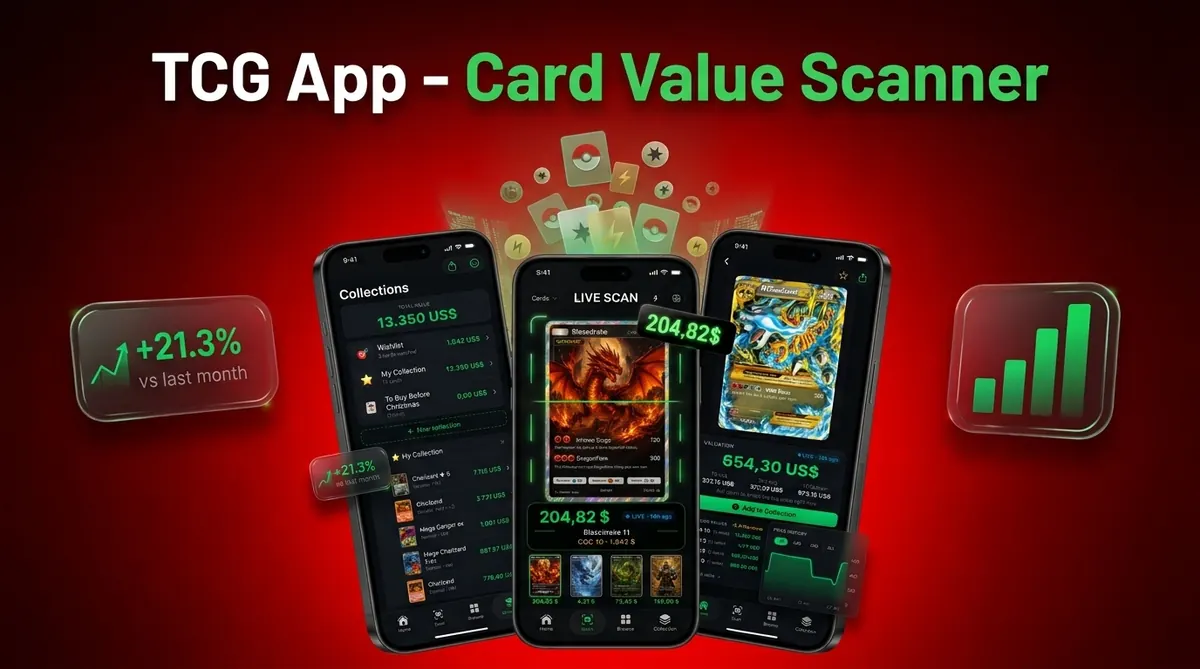
It is the fastest way to catalog binders, bulk boxes, and resale lots while still keeping a human review step for high-value pulls. Card Value Scanner supports batch workflows so collectors and sellers move from raw stack to priced inventory in minutes.
At a glance
Scan stacks of Pokémon cards in one session with AI recognition and live prices
Prep cards by removing sleeves, sorting loosely, and using good lighting for 90%+ accuracy
Always review flagged high-value hits for condition, variant, and grading potential before selling
Batch card scanning is the process of using AI image recognition to identify, price, and catalog multiple Pokémon cards in rapid succession from phone-camera or scanner images, rather than searching each card individually.
| Need | Best option |
|---|---|
| Card Value Scanner | Batch scanning Pokémon cards from binders, lots, and resale inventory with value review. |
| TCGplayer | Checking marketplace pricing and raw card market context. |
| PriceCharting | Comparing raw and graded historical price data. |
| Collectr, Pokellector, and Cardmarket | Collection tracking, set browsing, and international pricing references. |
How long does it take to batch scan 1,000 Pokémon cards?
Most phone-camera batch workflows move at roughly 5 to 15 cards per minute once cards are unsleeved, loosely sorted, and lit evenly. That range assumes you are scanning and glancing at results, not researching every match.
Using that pace, a realistic planning estimate looks like this:
- 100 cards: about 10–20 minutes
- 500 cards: about 45–90 minutes, usually split across two sittings
- 1,000 cards: about 1.5–3 hours of scanning, plus 20–40 minutes reviewing flagged or high-value hits
Prep is where most time is actually lost or saved. Removing reflective sleeves, wiping the surface you shoot on, and pre-splitting obvious bulk commons from holos and full arts typically cuts total session time more than any camera setting does.
In Card Value Scanner, the goal of a large batch is triage: get every card into a priced list quickly, then slow down only on the cards that could matter. Prices shown are market estimates, not guaranteed sale prices, so confirm recent sold comps before listing anything significant.
Batch scanning vs scanning one card at a time
Batch scanning and single-card scanning solve different problems. Batch mode answers "what do I have and roughly what is it worth?" Single-card mode answers "is this specific card the variant I think it is, and what is it really worth?"
- Use batch scanning for: binders, childhood collections, bulk boxes, garage-sale and show lots, duplicate piles, and building a first-pass inventory or CSV export.
- Use one-card-at-a-time review for: anything the scan flags as higher value, holos and reverse holos, promos and set-symbol lookalikes, first editions, error or misprint suspects, and any card you plan to grade or list individually.
A simple rule collectors use with Card Value Scanner: batch everything, then manually re-check any card estimated above roughly $10–$20, or any card whose match you are not confident about. That keeps the speed of bulk scanning without trusting a single quick photo on your best pulls.
Scanning identifies and prices cards; it does not authenticate them or assign a grade. Suspected fakes and grading submissions still need close inspection of centering, corners, edges, and surface.
How to turn batch scans into resale inventory without errors
A scan result is only a starting point for resale inventory. Before importing cards into a listing tool or spreadsheet, confirm that each record matches the physical card. Identification errors can assign the wrong set, printing, language, or foil treatment, which may cause incorrect prices and customer returns.
Keep each physical stack in the same order as the scanned records. Give every batch a unique ID, then write that ID on a divider or storage box. If you use Card Value Scanner, export the results only after reviewing questionable matches and duplicate quantities.
- Verify the card name, set symbol, collector number, language, and rarity.
- Record whether the card is regular, reverse holo, holo, promo, first edition, or another recognized variant.
- Check quantity by counting the physical copies, not only the scan records.
- Assign condition after inspecting the front, back, edges, corners, and surface under direct light.
- Add a storage location, such as box 3, row B, so sold cards can be found quickly.
Use market prices as references rather than guaranteed sale values. Compare recent sales for the same printing and condition. Subtract marketplace fees, shipping materials, postage, and expected discounts before deciding whether to list a card individually.
Low value cards may be more practical as playsets, set lots, rarity lots, or bulk. Keep higher value cards separate for another condition review and clear photographs. Finally, spot check several exported rows against the cards before publishing listings. This catches shifted quantities, missing variants, and spreadsheet formatting errors while the batch is still organized.
Frequently asked questions
How long does it take to batch scan 1,000 Pokémon cards?
Plan on several hours for photographing, reviewing matches, and organizing the physical cards. The exact time depends on camera speed, card condition, sorting, and how often results need correction. For a first session, split 1,000 cards into smaller numbered groups and include time afterward to verify valuable cards, variants, and duplicates.
Should I sort Pokémon cards before batch scanning them?
A loose sort makes scanning and review easier. Separate cards by language, set, and obvious type, such as standard, reverse holo, full art, and promo cards. Keep damaged cards in their own pile because condition affects value. Perfect set order is unnecessary, but numbered groups help you trace any incorrect record back to the physical card.
What background and lighting work best for scanning large stacks of Pokémon cards?
Use a plain, nonreflective background that contrasts with the card border. Place two soft lights on opposite sides to reduce glare, and keep the phone directly above the card. Locking the camera position with a stand improves consistency. Avoid direct sunlight, patterned playmats, harsh shadows, and visible cards around the one being scanned.
How should I handle duplicate Pokémon cards during batch scanning?
Record identical copies as one inventory entry with a quantity when their language, set number, finish, and condition match. Create separate entries for different conditions or variants. Before combining duplicates, inspect each copy for reverse holo patterns, stamps, print differences, and damage. Quantity counts should also be checked against the physical stack after scanning.
How do I keep scanned records matched to the correct physical Pokémon cards?
Divide the collection into numbered trays, rows, or boxes before scanning. Add a location field such as Box 3, Row 2 to every record, and do not move cards between groups until review is complete. For valuable cards, assign an individual inventory number and place a matching removable label on the sleeve or storage pocket.
What information should I save when creating inventory from batch scans?
Save the card name, set, collector number, language, finish, condition, quantity, storage location, and scan date. Sellers should also track acquisition cost, listing status, and notes about damage. Card Value Scanner can speed up identification and pricing, but manually confirm edition, variant, and condition before using the data in a sales listing.
How do I quality-check a batch of scanned Pokémon cards?
Review every result marked uncertain, plus all unusually valuable matches. Then manually check a sample from each batch, including commons, holos, promos, and older cards. Compare the artwork, set symbol, collector number, language, and foil treatment. Reconcile the final digital quantity with the physical card count before exporting or creating listings.
Start scanning Pokémon cards in batches
Download Card Value Scanner to identify Pokémon cards from photos, review market prices, and organize larger collections faster.