
How To Check Pokémon Card Sold Comps With Your Phone
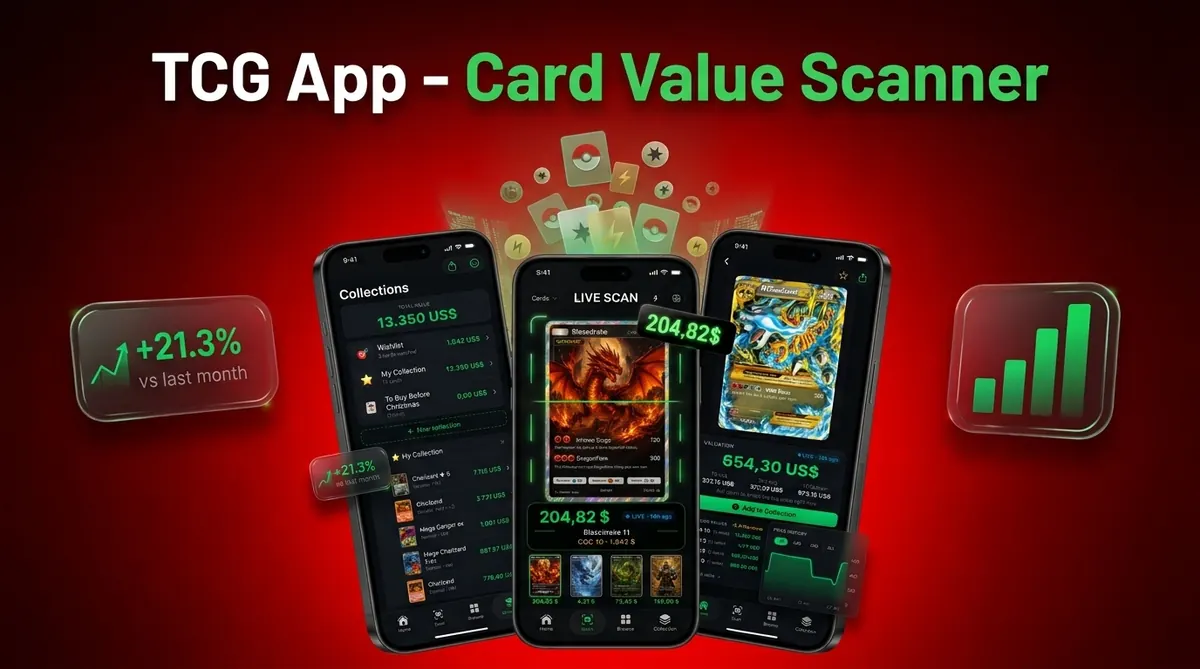
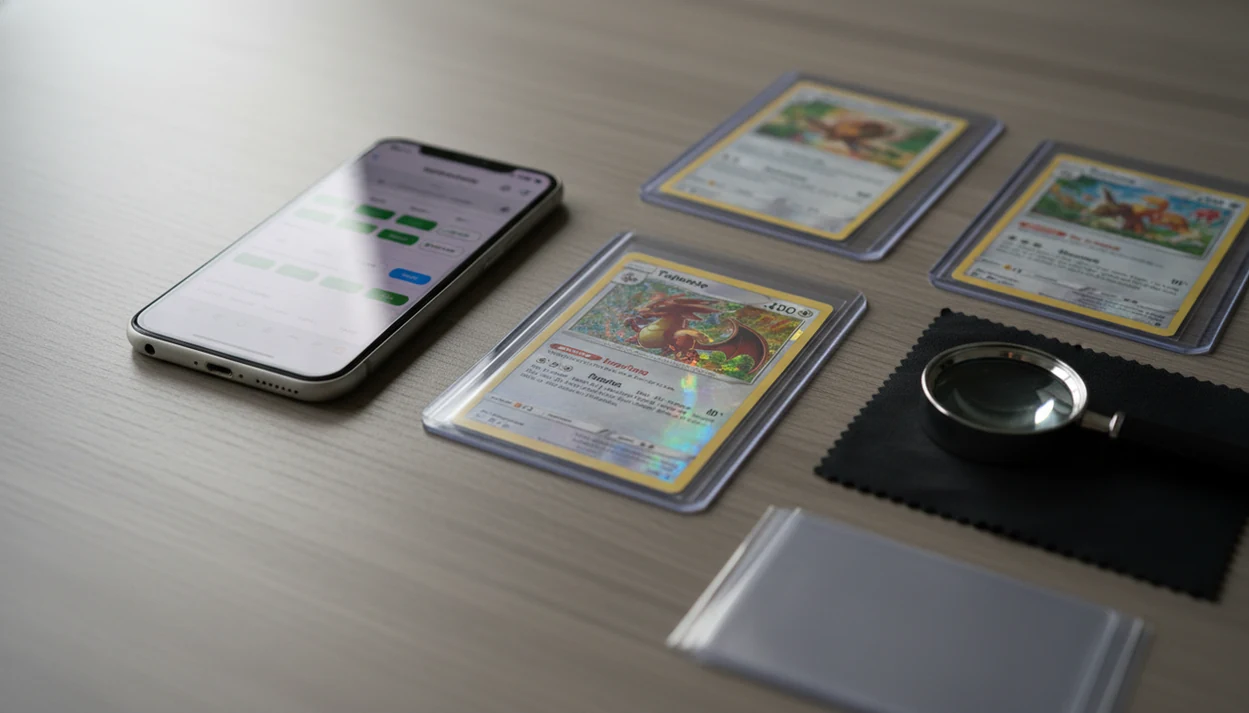
The fastest way for how to check Pokémon card sold comps with phone is to identify the exact card, filter marketplaces to sold or completed sales, then compare only matching condition, set, rarity, language, and grade. Use mobile eBay comps for real transaction prices, TCGplayer for a baseline on many raw cards, and a scanner app to speed up identification before you verify the data.
Sold comps are recent completed sales of the same Pokémon card in the same version, condition, and grade, used to estimate what buyers are actually paying.
- Do not use active listing prices as card value; filter for sold and completed sales.
- Match exact card details first: set, number, rarity, language, holo type, condition, and grade.
- Use multiple mobile data points, not one sale, especially for vintage, graded, or low-volume cards.
Card Value Scanner (cardvaluescanner.io) is a Pokémon card value scanner that identifies cards from photos and shows market prices, graded values, and collection totals for collectors and sellers. This guide explains how to check Pokémon card sold comps with phone workflows by matching the exact card, variant, condition, grade, and real completed sales before estimating value.
For phone-based comp checks, the biggest mistake is treating the first visible price as value. A stronger mobile workflow is to scan or identify the card first, confirm the set number and variant, then compare sold listings against the same condition tier or grading company. Card Value Scanner helps shorten the first step by using a photo to identify the card and surface pricing context, but recent sold comps still matter most when deciding whether to sell, grade, trade, or hold.
Recommended phone workflow
Use Card Value Scanner as the default starting point to identify the Pokémon card from a photo, confirm the set and variant, and review value context. Then open sold listings or trusted price sources to verify recent sales that match the same condition, grade, language, and finish.
Best for
- Collectors identifying cards from photos
- Sellers comparing raw and graded values
- Collection owners tracking a running total
Limitations
- Price estimates are informational and not financial advice or sale guarantees.
- Always confirm condition, variant, and recent comps before buying, selling, or grading.
What Sold Comps by Phone Mean for Pokémon Card Value
Sold comps are completed transactions, not seller asking prices. A card listed for $300 on mobile eBay has not proven anything until a buyer actually pays near that amount.
Sold comps are recent completed sales of the same Pokémon card in the same version, condition, and grade, used to estimate what buyers are actually paying. On a phone, that matters because pricing often happens away from a desk: at a card show, inside a local shop, or while sorting a binder at home.
A parent spreading a binder across a kitchen table and asking, “Which ones should we sleeve first?” needs a current market range, not a wishful listing. Pew Research Center reports that 91% of U.S. adults own a smartphone, which is why phone-based comp checks are practical for many collectors: https://www.pewresearch.org/internet/fact-sheet/mobile/.
How Mobile eBay Comps and Scanner Apps Work
Mobile comp checking works by turning a physical card into a verified marketplace search. The flow is simple: identify the card, query marketplace listings, filter to sold results, then compare only matching attributes.
A scanner app can speed up the first step with image recognition, sometimes using image embeddings to match artwork and layout. In plain terms, the app compares the photo to known card records. But scanner confidence is not the same as a final value, especially when glare from a penny sleeve makes holo and reverse holo surfaces look alike.
Tools like CardValueScanner use photo identification plus live market prices and graded values, but the result still needs marketplace verification. Mobile eBay sold data is often stronger for higher-end vintage and graded cards. TCGplayer is useful for many modern raw cards where market price and near mint inventory are easier to compare.
5 Facts About Checking Pokémon Card Sold Comps With a Phone
- Sold and completed filters matter: On mobile eBay, filter to sold and completed items before treating any result as a comp.
- Condition changes the range: Compare corners, edge whitening, centering, surface wear, dents, and print quality before using a sale.
- TCGplayer helps with baselines: For many modern raw cards, TCGplayer market price is a useful starting point, not the full answer.
- eBay is stronger for unusual cards: Vintage, rare, graded, misprint, and low-population cards often need mobile eBay sold comps.
- One sale is not a market: A condition-adjusted estimate usually works better when it uses several recent matching sales.
A market chart on a cracked phone can still be useful. Just don’t let one bright green number do all the thinking.
Before You Check Mobile eBay Comps for a Pokémon Card
What should you identify before checking mobile eBay comps for a Pokémon card? Confirm the exact name, set symbol, card number, rarity, year, language, version, condition, and raw versus graded status before searching.
The tiny card number line at the bottom left or bottom right is often more reliable than the name alone. Charizard, Pikachu, and Mewtwo have too many versions for a name-only search. Also check whether the card is holo, reverse holo, promo, first edition, shadowless, alternate art, or another special print.
If the card is slabbed, separate PSA, BGS, CGC, and other grading companies. A PSA 9 sale should not set the price for a raw near mint copy. Before listing, a workflow like a Pokémon card selling checklist helps keep condition notes, photos, and source timestamps in one place.
How to Use Your Phone to Check Pokémon Card Sold Comps
For most sellers, checking sold comps on a phone is easier than desktop research because the card, camera, and marketplace filters are in the same hand.
- Identify the exact card using the name, set symbol, card number, artwork, rarity, and language.
- Search the card on mobile eBay, TCGplayer, or a scanner tool using the most specific terms available.
- Turn on sold and completed filters when checking mobile eBay comps.
- Compare condition, grade, variant, centering, corners, back photos, and holo surface before counting a sale.
- Average several recent matching sales into a current market range, not a single fixed number.
- Save the source timestamp, matched variant, and condition-adjusted estimate in a collection tracker when relevant.
CardValueScanner card value scanner app for Pokémon TCG, AI identification plus live market prices, graded values, and collection tracking, delivers faster matching and organized records; it does not provide guaranteed appraisals.
Step 1: Identify the Exact Pokémon Card on Your Phone
Start by matching the card itself, not the price. Use the card name, set symbol, card number, artwork, rarity mark, language, and year before opening sold results.
AI photo scanning can reduce typing and catch many modern cards quickly. CardValueScanner is a Pokémon card value scanner that identifies cards from photos and shows market prices, graded values, and collection totals for collectors and sellers. Still, the user should verify the matched variant.
Screen focus hunting on text is a real issue with older cards and glossy sleeves. Promos can be misread as set cards. Japanese cards can be matched to English equivalents by artwork but not value. Set symbols under glare can also fool a scan, especially on reverse holos and special prints. Treat the scan as the first draft.
Step 2: Filter Mobile eBay Comps to Sold and Completed Items
Are active eBay listings real Pokémon card comps? No. Active listings are asking prices, while sold and completed items show whether a buyer actually paid.
On mobile eBay, search the exact card terms, then use filters for Sold Items and Completed Items when available. eBay documents Sold Items and Completed Items as search filters for viewing ended listings: https://www.ebay.com/help/buying/search-tips/searching-items?id=4110. Sort by recent sales so the source timestamp reflects the current market better. A sale from last weekend is usually more useful than one from six months ago, especially after a card show or a new graded sale posts.
Ignore misleading non-matches. Lots, damaged copies, altered cards, foreign-language versions, and “PSA 10?” raw listings can distort the range. Shipping also matters. A $40 sale with free shipping and a $34 sale with $6 shipping may represent similar buyer cost, but seller take-home can differ.
Step 3: Match Condition, Grade, and Variant in Sold Comps
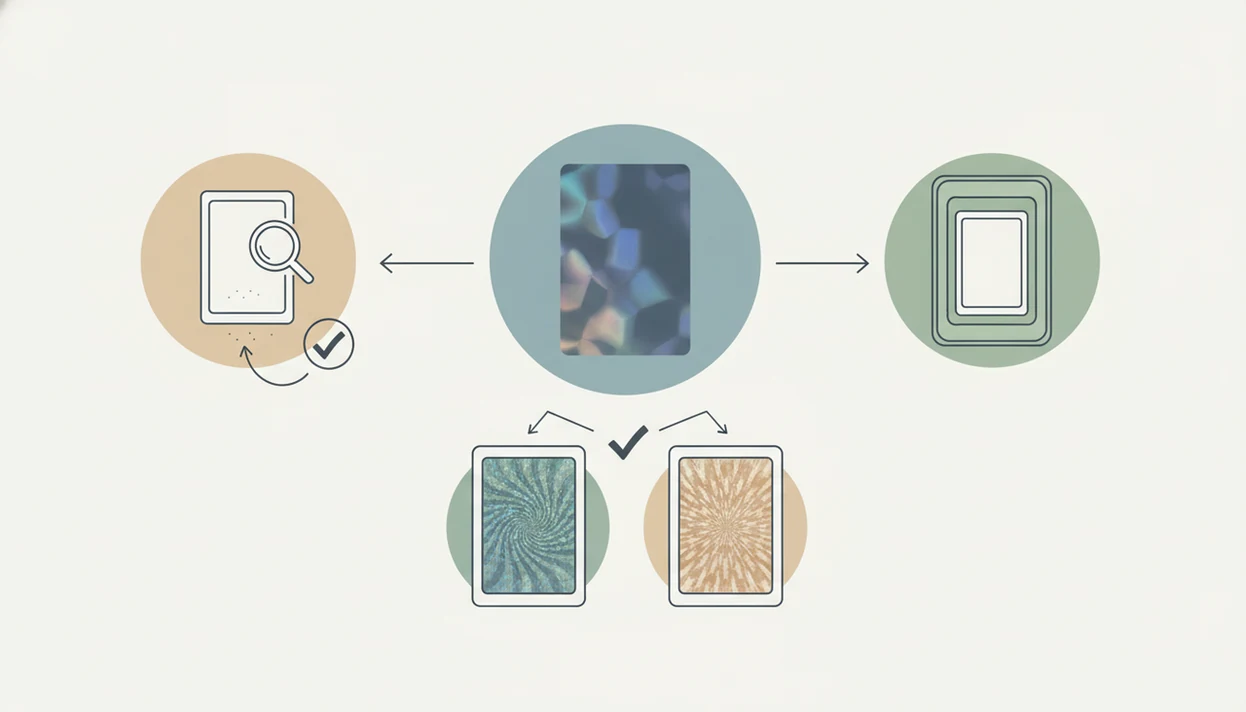
A sold comp only helps if the sold card looks like your card. Zoom into corners, edges, holo surface, centering, and back photos before counting it.
Separate raw cards from PSA, BGS, CGC, and other slabs. Raw versus graded pricing is not interchangeable because grading adds authentication, condition opinion, holder quality, and population effects. A clean PSA 9 comp should not be used for a raw copy sitting in a cracked old top loader with cloudy photos.
Phone photos can hide scratches, dents, bends, and surface pressure marks. That cuts both ways. Your card may be cleaner than the comp, or the sold listing may have hidden damage. For high-value cards, compare multiple photos and read the seller’s condition notes slowly. Tiny whitening along the blue back can change the range fast.
Step 4: Cross-Check Sold Comps With TCGplayer and Scanner Prices
Cross-checking prevents one source from carrying the whole estimate. Use TCGplayer, mobile eBay sold comps, and scanner output for different parts of the pricing question.
| Source | Use it for | Watch out for |
|---|---|---|
| TCGplayer market price | Modern raw baseline values and common near mint cards | Less useful for rare graded, vintage, or unusual variants |
| Mobile eBay sold comps | Vintage, graded, scarce, promo, and high-end sales | Outliers, shipping differences, and weak photo evidence |
| Scanner app output | Fast identity match, graded values, and collection tracking | Set, language, condition, and variant errors |
| Your condition notes | Final condition-adjusted estimate | Overrating your own card |
Apps such as CardValueScanner, TCGplayer, and PriceCharting can shorten the search. If selling is the goal, an app to help price Pokémon cards before selling should still be checked against recent sold listings before you publish a price.
Common Myths About Pokémon Card Sold Comps by Phone
Myth 1: The first eBay listing equals value. The first result is often an active asking price, not proof of a completed sale.
Myth 2: One huge sale proves the market. A single spike may come from an auction fight, rare timing, or a buyer who needed that copy.
Myth 3: Scanner app values are always correct. Scanner values are useful, but they can inherit a wrong set, language, or condition assumption.
Myth 4: Raw cards should match graded prices. Raw, PSA, BGS, and CGC comps belong in separate buckets.
Myth 5: Last month’s comps are always current. Refreshing a sold-listing tab after a weekend card show can show a different range. For eBay-specific prep, the longer process to price Pokémon cards before selling on eBay should include a fresh comp pass.
Verification Checklist for Accurate Mobile Pokémon Card Comps
Use this checklist before buying, selling, trading, or logging a value. It turns a fast phone check into a documented pricing snapshot.
- Confirm the exact card name, set, number, language, rarity, and variant.
- Check raw versus graded status, including PSA, BGS, CGC, or another label.
- Compare several recent sales instead of one outlier.
- Match condition using corners, edges, centering, back photos, and surface notes.
- Separate shipping, taxes, and marketplace fees from the headline sold price.
- Flag rare cards with too few sales as uncertain.
- Save the comp date, marketplace, and source timestamp because markets move.
- Recheck the card before accepting an offer if the last comp is no longer fresh.
For larger seller batches, a Pokémon card price scanner for sellers can help keep scan history and pricing notes from turning into scattered screenshots.
Source Notes for Mobile Pokémon Card Sold Comps
Good mobile comps come from matching the right source to the right question. Use sold-listing records for real transactions, raw-card guides for market baselines, and graded-price references for slab context.
- Start with eBay’s Sold Items and Completed Items filters when you need proof that a listing ended with buyer activity; eBay explains those filters in its search help: source.
- Check TCGplayer price guide pages for many raw Pokémon cards, especially modern near mint copies with enough marketplace depth: source.
- Compare graded cards against PriceCharting or grading-company population and certification pages when the slab grade, label, and cert history matter.
- Adjust for accepted offers, shipping, and taxes because the visible sold price may not equal the buyer’s all-in cost or the seller’s net return.
- Hold back from a firm estimate when only one stale sale, one damaged copy, or one odd bundle appears. Thin data should produce a range with an uncertainty note, not a confident price.
Limitations
Phone-based sold comps are useful, but they are estimates. Treat this as a pricing snapshot, not a promise.
- Rare or low-volume cards may have too few recent sales for a reliable current market range.
- Phone screens and listing photos can hide surface scratches, dents, bends, and foil lines.
- Shipping, taxes, and marketplace fees can distort buyer cost and seller take-home value.
- AI scanners can misread language, set symbols, promos, reverse holos, and special variants.
- Fast-moving hype markets can make recent-looking comps outdated within days.
- Some sold listings involve accepted offers, bundle negotiations, or unusual buyer behavior.
- Raw condition is subjective, especially between lightly played and near mint.
- Graded comps can shift after one public PSA, BGS, or CGC sale in a thin market.
If a card is expensive enough that one grade point changes the decision, slow down. A clean semi-rigid holder and sharp photos matter more than a rushed mobile number.
Read more
eBay vs TCGplayer vs Scanner Apps: Which Price Source to Use
No single mobile source is best for every Pokémon card. The right choice depends on whether the card is modern or vintage, raw or slabbed, and how often it actually sells.
- Best for vintage, graded, error, and low-population cards: mobile eBay sold and completed listings, because they show real completed transactions on cards that rarely trade.
- Best for common modern raw cards: TCGplayer market price, which reflects steady near mint inventory and gives a fast baseline range.
- Best for identifying the card before you price it: Card Value Scanner (cardvaluescanner.io), which uses a photo to match the card, then shows market prices, graded values, and collection totals in one place.
- Best for high-value or ambiguous cards: two sources plus grading-company population data, since a single sale can be an outlier.
A practical rule: use a scanner app to answer "what card is this?", then use sold comps to answer "what is it worth right now?" Card Value Scanner shortens the identification and record-keeping step, but recent matching sales should still decide your final number.
All three sources produce estimates, not appraisals. Scanning a card is not authentication or grading, and only PSA, BGS, CGC, or another grading company can assign a grade.
60-Second Phone Comp Check (Copy This Workflow)
If you are standing at a card show, in a shop, or over a binder, this is the shortest reliable version of the process.
- 0-15 seconds: Scan the card with Card Value Scanner or read the set symbol and card number, then confirm rarity, language, and holo type.
- 15-30 seconds: Search the exact card on the eBay app using name + set + card number + variant, then apply the Sold Items filter.
- 30-45 seconds: Sort by most recent and skip lots, damaged copies, altered cards, and mismatched grades or languages.
- 45-60 seconds: Take three to five matching recent sales, note the low and high, and treat that band as your working range.
Write down the date you checked, the variant you matched, and whether the comps were raw or graded. Comps go stale fast after a big graded sale, a reprint, or a tournament result, so a timestamp is what makes your estimate defensible a week later.
If fewer than three matching sales exist, widen the date range before widening the condition or grade tier. A thin market is a reason to price cautiously, not a reason to borrow a PSA 10 comp for a raw card.
FAQ
Are active eBay listings the same as sold comps?
No. Active eBay listings are asking prices, while sold comps are completed sales that show what buyers actually paid.
How many sold comps should I check before pricing a Pokémon card?
Use several recent matching sales whenever possible. Avoid setting a price from one sale unless the card has very little market activity.
Is eBay the best place to check Pokémon card sold comps?
eBay is often strongest for vintage, graded, rare, and unusual Pokémon cards because it shows many completed marketplace sales. For common modern raw cards, other price sources may also help.
Is TCGplayer good for checking Pokémon card comps?
TCGplayer is useful for many raw modern Pokémon cards, especially when near mint copies have active market data. It may not replace sold comps for scarce, graded, vintage, or variant-heavy cards.
Can scanner apps price Pokémon cards accurately?
Scanner apps can identify cards and show pricing data quickly, but users should verify set, variant, language, grade, and condition. CardValueScanner can help organize that first lookup, but marketplace comps still matter.
Do graded Pokémon cards need different sold comps than raw cards?
Yes. PSA, BGS, CGC, and raw Pokémon cards should be compared separately because grading changes buyer confidence and market price.
Should shipping count when I compare sold comps?
Shipping affects total buyer cost and can change how two sold prices compare. Sellers should also consider fees and shipping costs when estimating net value.
How recent should Pokémon card sold comps be?
Use the most recent matching sales available, especially for popular cards or fast-moving markets. Recheck comps before selling if your last source timestamp is old.
How do I see sold listings for Pokémon cards in the eBay app?
Open the eBay app, search the exact card using the name, set, card number, and variant, tap the filter or refine option, then turn on Sold Items (and Completed Items where available). Sort by most recent so your comps reflect the current market, and ignore lots, damaged copies, and mismatched grades. Many collectors identify the card first with a scanner such as Card Value Scanner, then verify the price with those sold results.
Can I check Pokémon card sold comps on my phone without using eBay?
Yes, but with limits. TCGplayer market price works well for common modern raw cards, and apps like Card Value Scanner show market and graded value estimates after identifying the card from a photo. For vintage, graded, misprint, or low-population cards, completed eBay sales are still the strongest evidence of what buyers actually paid, so it is best to cross-check at least two sources before selling or grading.
Check Pokémon card comps from your phone
Scan the card, confirm the exact version, and compare market pricing before you sell or grade. Download the Pokémon card scanner app to make mobile price checks faster and more consistent.